
Installs the launcher, updater, and game folder in the right place automatically.
Oneix Launcher
Start With Oneix Launcher
Install once, sign in, and keep Army of Generals ready with clean automatic updates. The launcher handles the game install, account login, patching, and opening the AOG lobby.
Windows installer. No account required to download.
Only the files that changed are downloaded, so game updates stay much smaller.
Use the same Oneix account in the launcher and on the website without interrupting your game session.
 AOG: Danger Zone
Army of Generals: Danger Zone
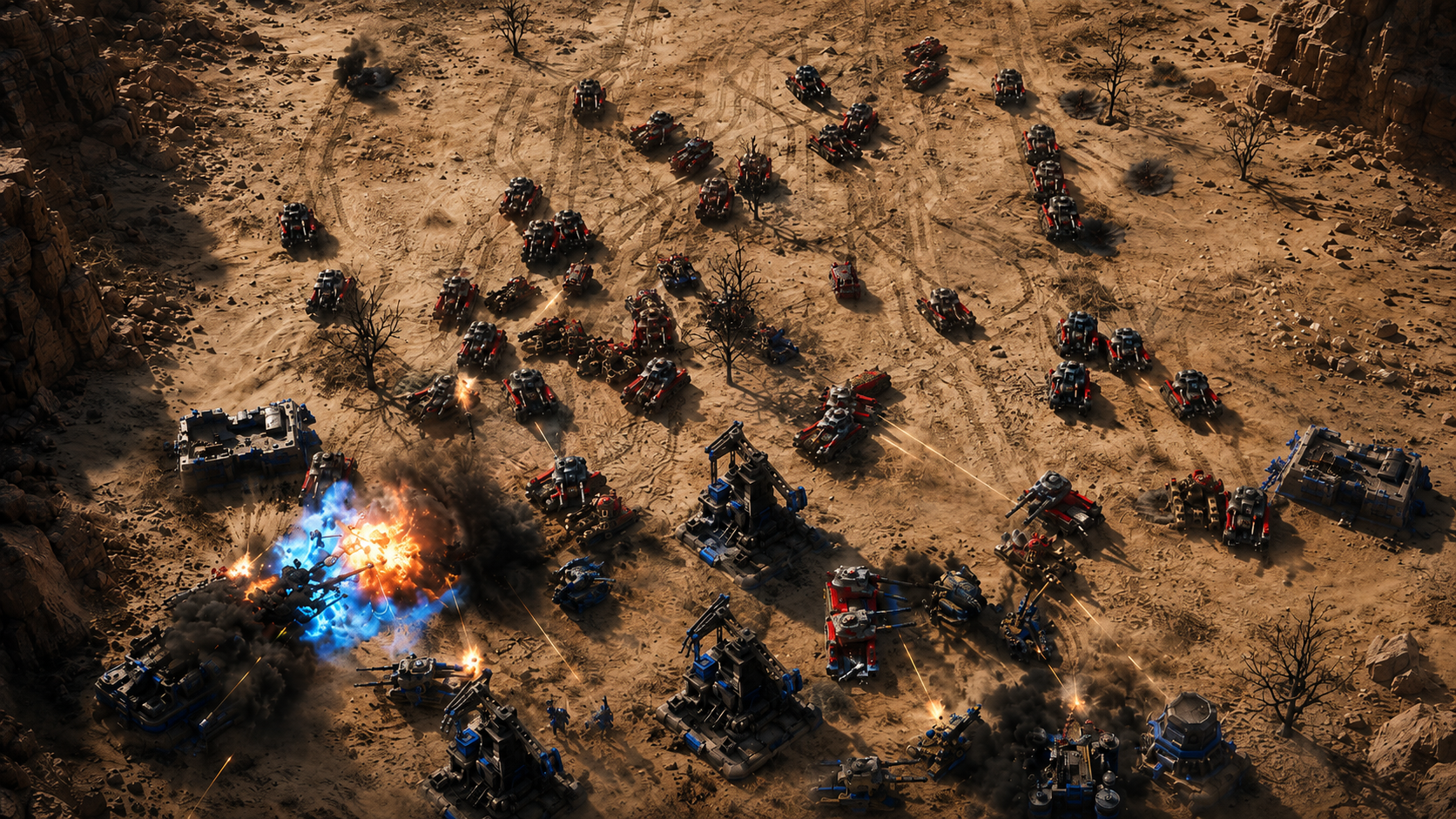
Build your base, command your army, choose a faction, and fight for control in fast real-time strategy battles. Play custom skirmishes, invite friends, add bots, or enter campaign missions through the AOG lobby.
Latest version loading
Custom Battles
Create rooms, pick maps, set teams, choose factions, invite friends, and add AI commanders before the match starts.
Campaign Missions
Choose your faction and jump into handcrafted missions with the same polished lobby flow.
Battle Reports
After a match, the lobby can show a full winner screen with units, kills, economy, and match results.
Latest Update
Patch Notes
Loading patch notes...
Oneix Account
Account Settings
Login to update your account details.
You are not logged in
Login or create an account to manage your GameTag, email, and password.